Spellbooks by topic
Choose focused practice areas, difficulty levels, and interview formats before starting a session.
 SpellInterview
AI interview practice for developers
Pick a spellbook, answer realistic technical questions by text or voice, and get scored feedback before the real interview. Register now and we will email you the app link when distribution opens.
We will send the iOS and macOS app link to registered users.
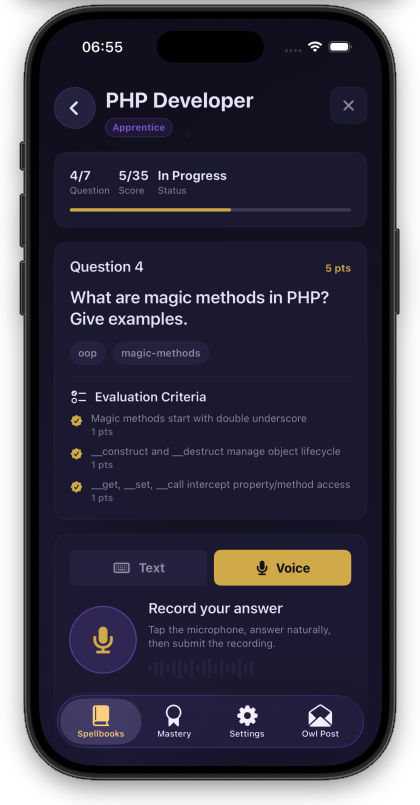
Built around the interview loop
Choose focused practice areas, difficulty levels, and interview formats before starting a session.
Rehearse written explanations or speak through answers when you need to practice delivery and pacing.
Review strengths, weaknesses, criteria scores, and reference answers after every interview.
iOS and macOS
Practice interviews, review topics, track attempts, and build mastery from either the iOS app or the macOS app.
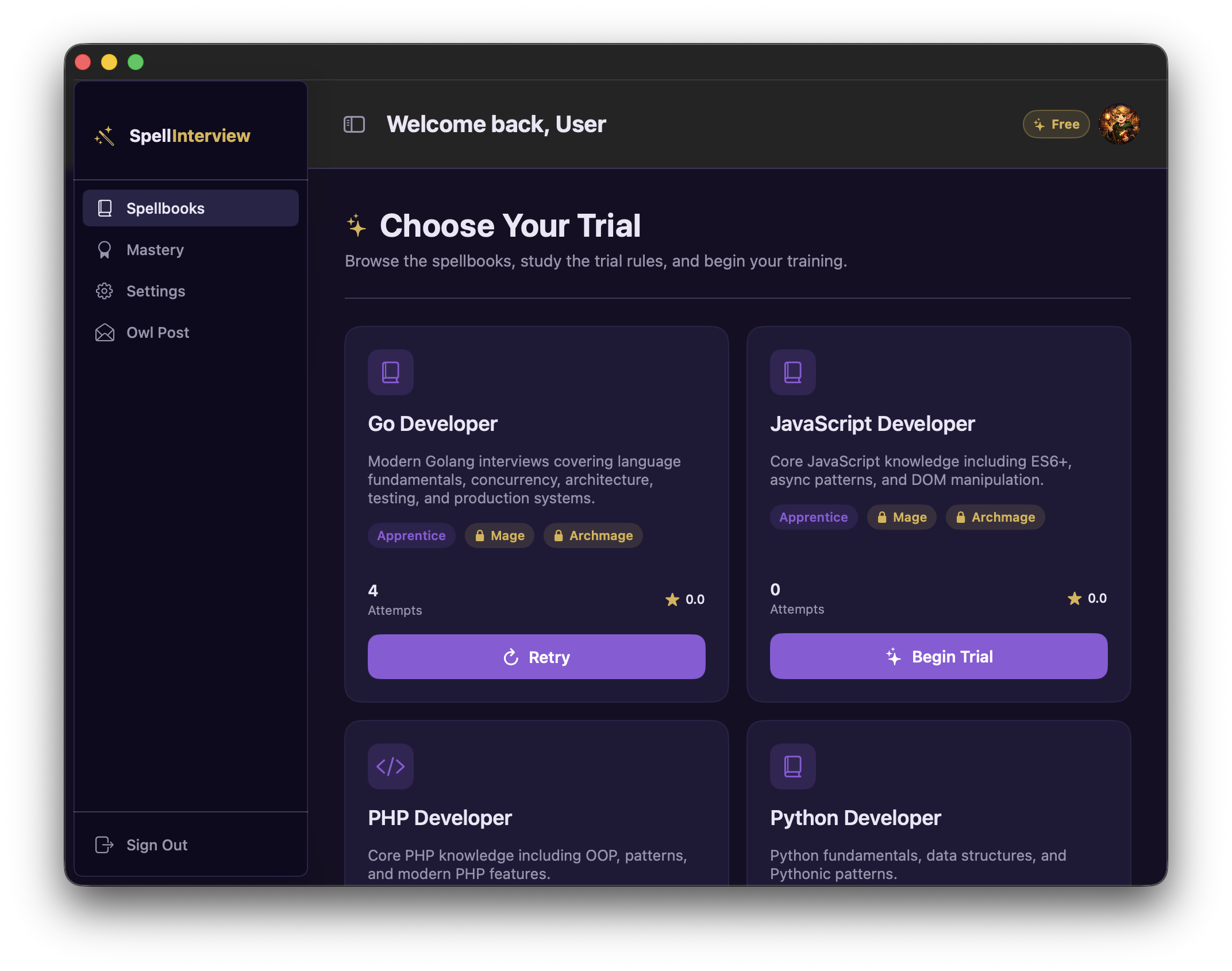
How it works
Start with a topic and difficulty that matches the interview you are preparing for.
Work through realistic prompts with text or voice input while the session tracks your progress.
Compare attempts, inspect scores, and return to weak areas until your answers are sharper.
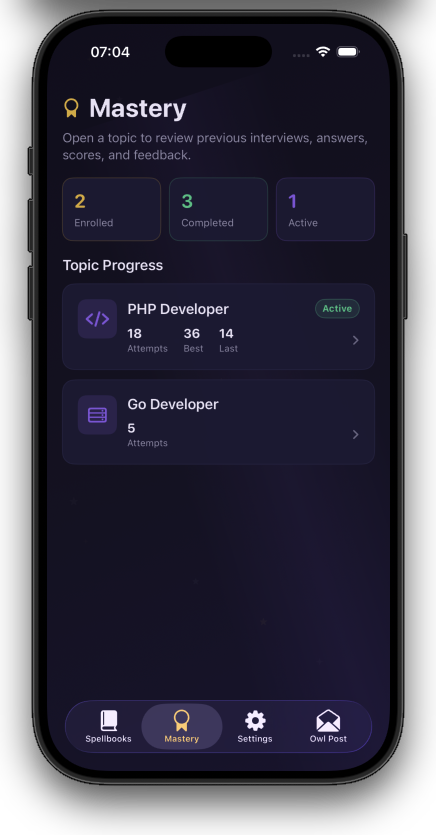
Mastery
SpellInterview keeps attempts, topic progress, best scores, and recent feedback together so practice turns into a measurable routine.
Ready to practice
Leave your email and we will send the app distribution link when SpellInterview is ready.